
Settings
Retention
How long changes stay in the live index, how often rotation runs, and where old hours go.
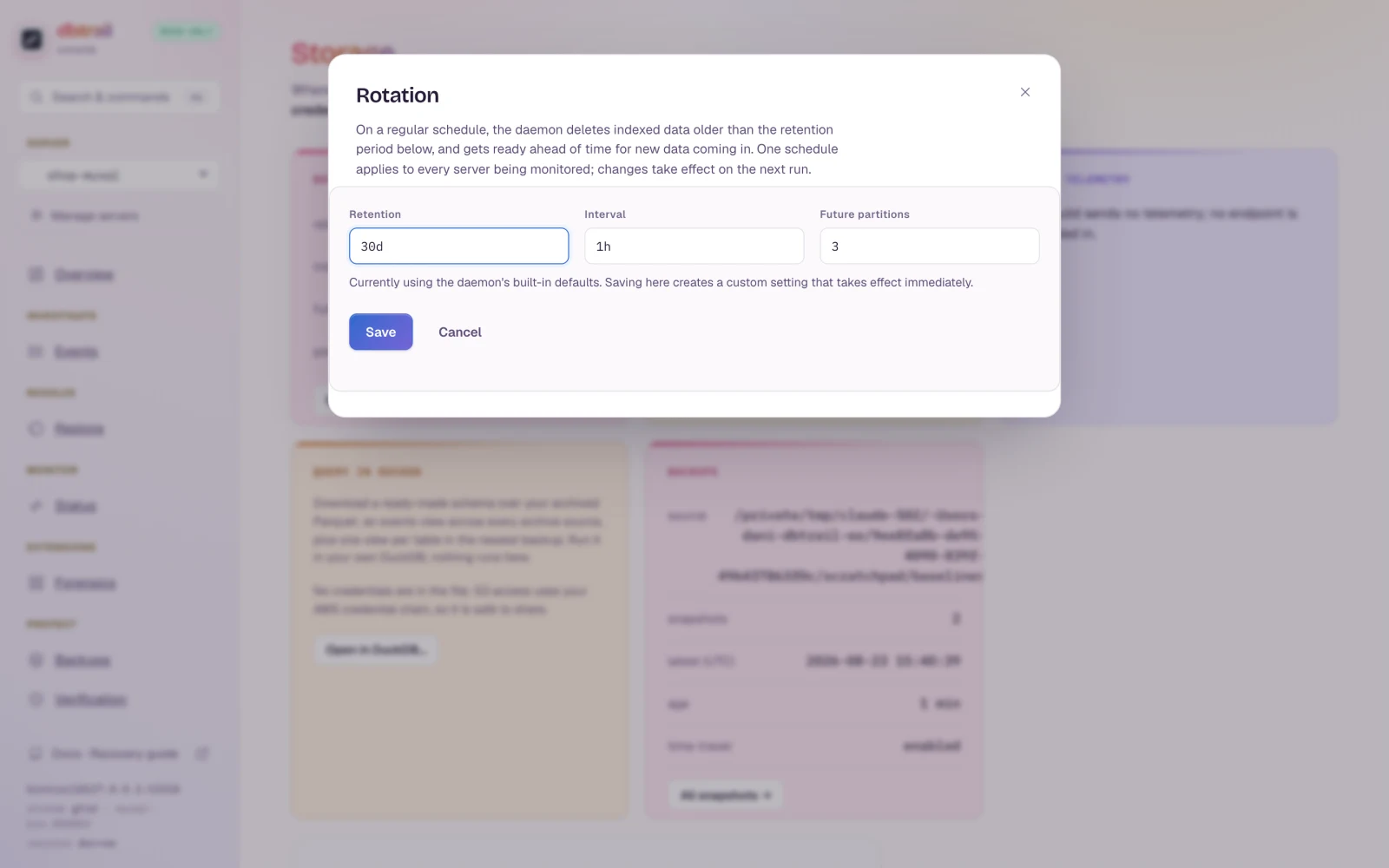
Rotation dialog
Web interface → Settings → Rotation. Applies on the next cycle, no restart; one schedule for every index the daemon rotates.
| Setting | Meaning |
|---|---|
| Retention | How long events stay in the live index |
| Interval | How often rotation runs. Default: every hour |
| Future partitions | Empty hourly partitions created ahead of time |
Archive destination
Per server: Archive to S3 in the server form (Servers).
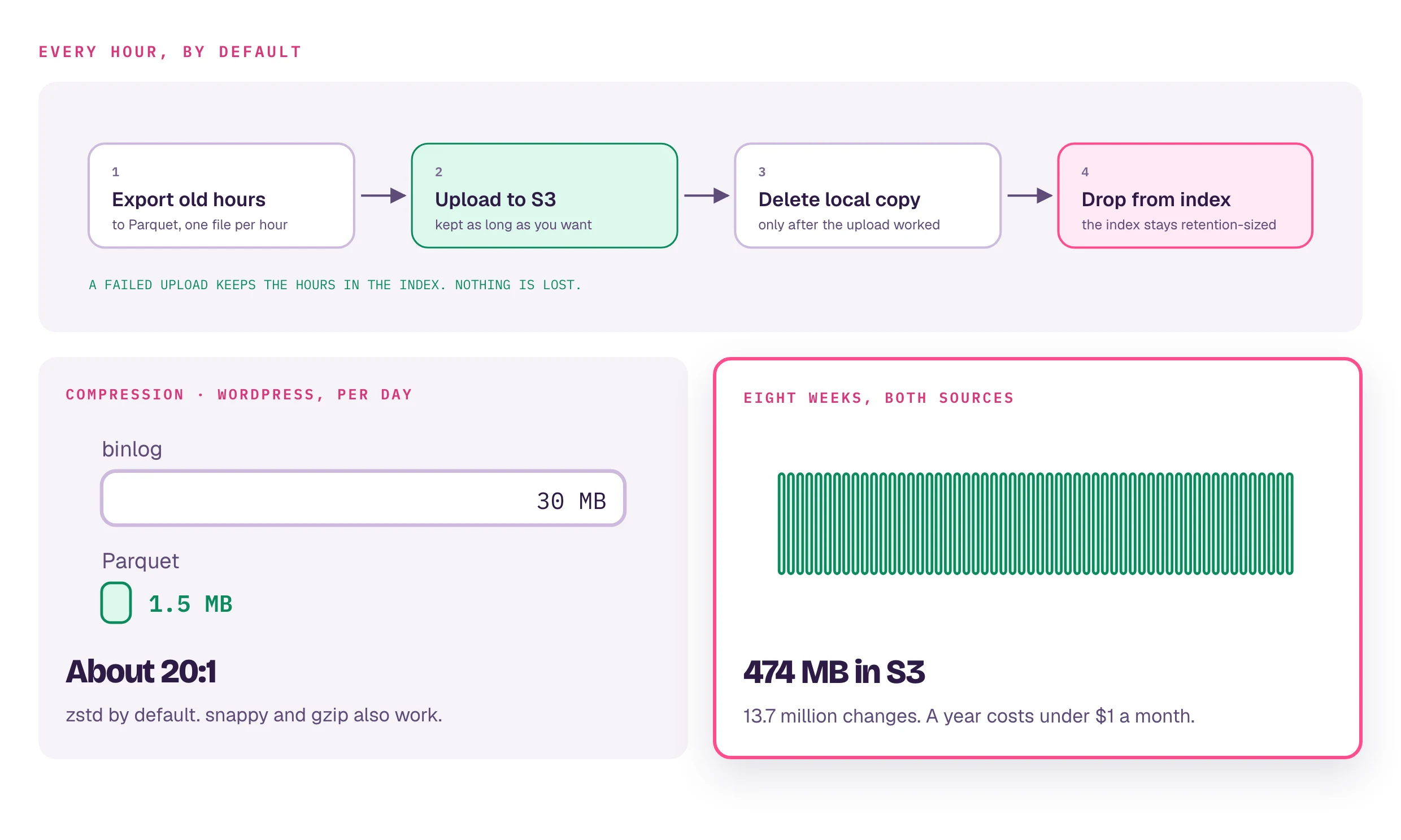
- Set: expired hours become Parquet in that bucket and stay queryable; DBTrail finds them on its own.
- Not set: expired hours are dropped.
- Upload keeps failing: hours are not dropped and rotation reports unhealthy (Alerts). The index grows; nothing is lost.
Not AWS: S3-compatible storage.
Compression: zstd default, snappy and gzip supported
(measured). Archived Parquet
follows your bucket's lifecycle rules, not retention.
Headless
bintrail rotate --index-dsn "$IDX" --retain 7d --archive-dir /data/archives --archive-compression zstd